
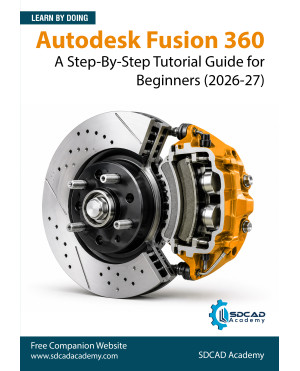
Autodesk Fusion 360: A Step-By-Step Tutorial Guide for Beginners (2026-27)
(Available on all Amazon stores)
Autodesk Fusion 360: A Step-by-Step Tutorial Guide for Beginners (2026–27 Edition) is designed to help students, designers, engineers, makers, and professionals learn Autodesk Fusion 360 through a practical, project-based approach. Whether you are completely new to Fusion 360 or transitioning from another CAD software, this textbook provides a structured learning path to master the fundamentals of parametric 3D design.
The book features easy-to-follow, step-by-step tutorials that guide you through the creation of real-world mechanical components, assemblies, animations, and 2D engineering drawings. Each tutorial is based on practical engineering projects, enabling you to develop both technical skills and confidence in using Autodesk Fusion 360 effectively.
This edition consists of 11 comprehensive chapters and 428 pages, covering the major Fusion 360 workspaces, including Design, Animation, and Drawing. The content has been developed and tested using Autodesk Fusion 360 version 2704.1.23 (July 2026 Product Update), ensuring compatibility with the latest software features.
To reinforce learning, every chapter includes:
- Step-by-step hands-on tutorials
- Practice exercises based on real-world models
- Chapter summaries for quick revision
- Review questions to assess your understanding
By the end of this book, you will have developed a solid foundation in Autodesk Fusion 360 and gained the practical skills needed to create professional-quality 3D models, assemblies, animations, and manufacturing-ready engineering drawings.
Table of Contents:
Chapter 1. Introducing Autodesk Fusion 360
Chapter 2. Creating and Editing Sketches
Chapter 3. Creating Extrude and Revolve Features
Chapter 4. Creating Multi-Feature Models
Chapter 5. Creating Sweep and Loft Features
Chapter 6. Creating Holes, Threads, and Shell Features
Chapter 7. Creating 3D Sketches and Helical Coils
Chapter 8. Creating Assemblies - I
Chapter 9. Creating Assemblies - II
Chapter 10. Creating Animation and Exploded Views
Chapter 11. Creating 2D Drawings